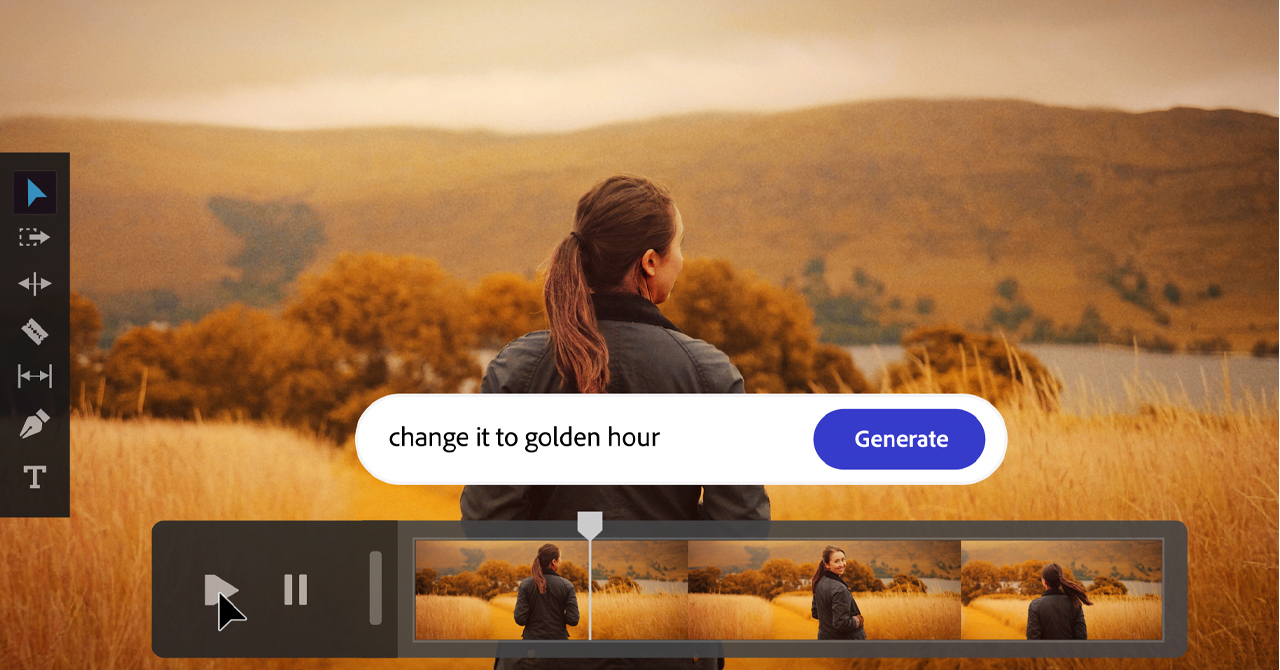
Adobe is taking another major step in integrating artificial intelligence into the creative workflow, bringing new AI Assistants to some of its most popular Creative Cloud apps. The new tools are available in public beta for Photoshop, Premiere, Illustrator, InDesign and Frame.io, giving users the ability to organize, edit and automate tasks through natural language.
The basic idea is simple but extremely powerful: the creator describes what they want to do and the AI Assistant takes on the task of performing the necessary steps within the application. This is not a general chatbot, but specialized assistants that understand the environment, tools, and logic of each Adobe application.
Premiere Pro: less setup, more time editing
In Premiere Pro, the AI Assistant is here to reduce time spent on repetitive and organizational tasks. It can help sort assets into bins, batch rename clips based on footage content, recognize words or questions from recorded speech, and add markers to the timeline.

For editors working with large amounts of footage, interviews, corporate videos, social content or multicam projects, this can make a big difference. Initial project setup is often one of the most time-consuming stages of the process. With AI Assistant, Premiere can take over some of this preparation, so the editor can start faster from an organized and functional point.
Photoshop: natural language editing
In Photoshop, AI Assistant brings a more conversational experience to image editing. The user can describe the desired result and Photoshop will take care of tasks such as organizing layers, changing backgrounds, resizing assets for different platforms, and applying specific edits without having to manually navigate to each tool.

This is particularly useful for designers, photographers, marketing teams and content creators who produce many different assets for web, social media, campaigns and digital communication. The logic is not to remove creative control from the user, but to speed up the intermediate technical processes that often delay the final result.
Illustrator and InDesign for faster production tasks
In Illustrator, AI Assistant can help with multi-step production tasks, such as identifying issues with color modes, checking for missing fonts, organizing layers, and producing multiple versions of files from a spreadsheet or document. This is important for creative teams working with many variations, different formats, and recurring deliverables.
In InDesign, the new approach is particularly interesting for publishing and layout workflows. The assistant can support print-readiness checks, styling updates, and changes across multiple pages, helping with projects where consistency and accuracy are critical. For brochures, catalogs, corporate documents, and templates, this type of automation can significantly reduce production time.
A new era for Creative Cloud
With new AI Assistants in Photoshop, Premiere, Illustrator, InDesign and Frame.io, Adobe is clearly showing the direction of Creative Cloud: applications that don't just offer tools, but actively help the creator organize, execute and complete their work faster.
Prompt-based editing does not replace the aesthetics, experience, or final decision of the professional. Instead, it functions as a new way to reduce technical friction and transfer more energy to where it really matters: in the idea, the storytelling, the design, and the final result.
Our other articles about Adobe
Learn more at www.adobe.com.
THE Comart it is Adobe Gold Reseller in categories Commercial, Education & Government